
Why was I charged on landing day with data roaming off?
If you were charged on landing day with data roaming off, check registering, calls, texts and voicemail, not only maps. Turn the home line off when you do not
Read articleExpert travel guides, device tutorials, and connectivity strategies from the Graba SIM team
If you were charged on landing day with data roaming off, check registering, calls, texts and voicemail, not only maps. Turn the home line off when you do not
Read article
Airplane mode is a pause, not a set-up. Set the travel eSIM as the data line. Turn data roaming on for that line and off for the home SIM, and turn cellular
Read article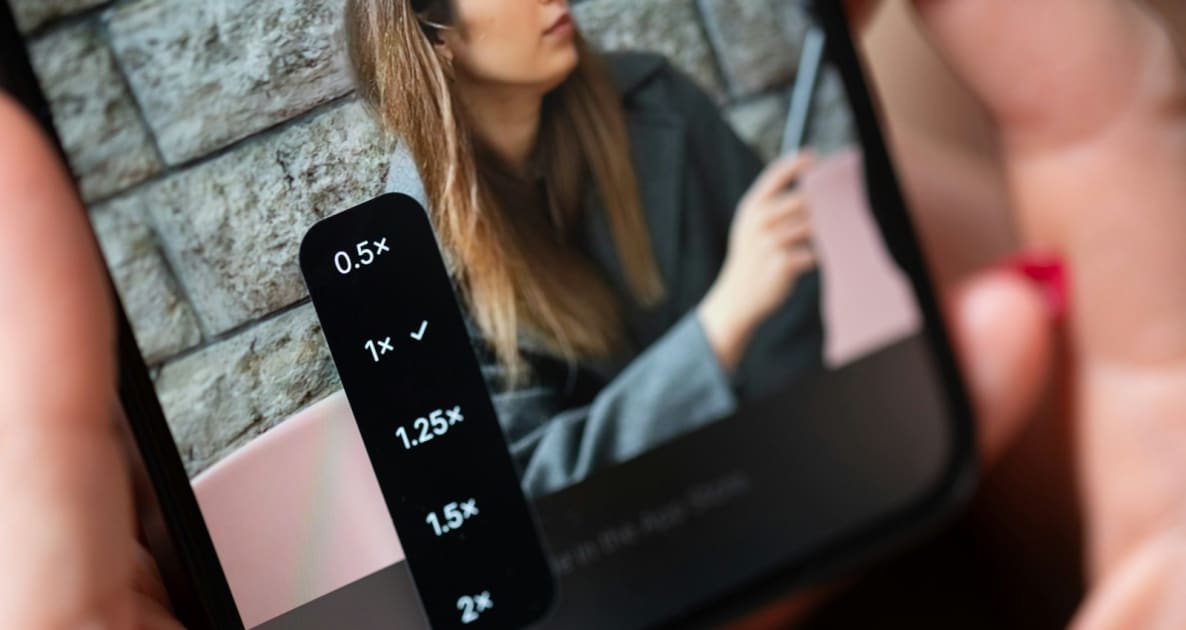
With DSDS, a roaming home SIM can stay registered beside a travel eSIM. Pick the travel eSIM for data, turn data roaming off on the home SIM, and turn cellular
Read article
Turn cellular data switching off before the home SIM can see a foreign network. Keep the travel eSIM chosen for mobile data, with data roaming on for that line
Read article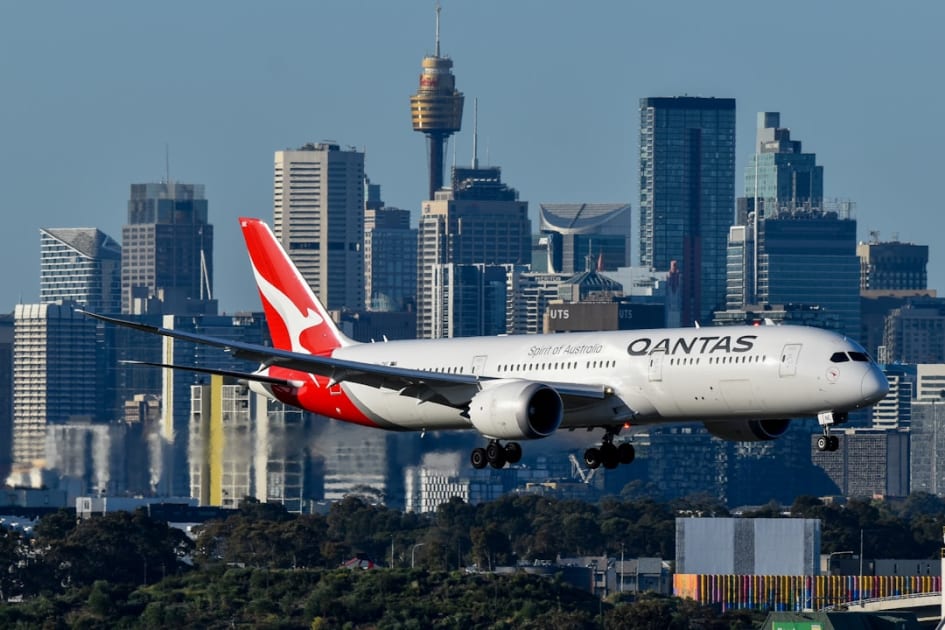
Arriving at Sydney Airport? Check free Wi-Fi, Australia eSIM compatibility, plan validity and mobile data settings before leaving the terminal.
Read articleGRABA PERKS · TRAVEL PARTNERS
Experiences, airport transfers and useful extras to go with your Graba SIM connection. Compare flights →
 Experiences
Discover museums, attractions and sightseeing tickets, with city-specific collections to help plan your day.
Explore Tiqets ↗ Transfers
Plan a pre-booked pickup and check meeting instructions before you arrive.
Explore Welcome Pickups ↗ Flights
Explore flight routes and fares. Check baggage, connection protection and change conditions before booking.
Country to country flights ↗ Car hire
Explore rental vehicles and compare pickup arrangements, deposits and included mileage.
Explore GetRentacar.com ↗Affiliate links: Graba SIM may earn a commission when you book through these links, at no extra cost to you. Bookings are with the partner. Availability, eligibility, prices and terms can change; check the final details before paying.