Built for your destination
A destination plan for Thailand, subject to local partner-network availability.
Prepaid travel eSIM
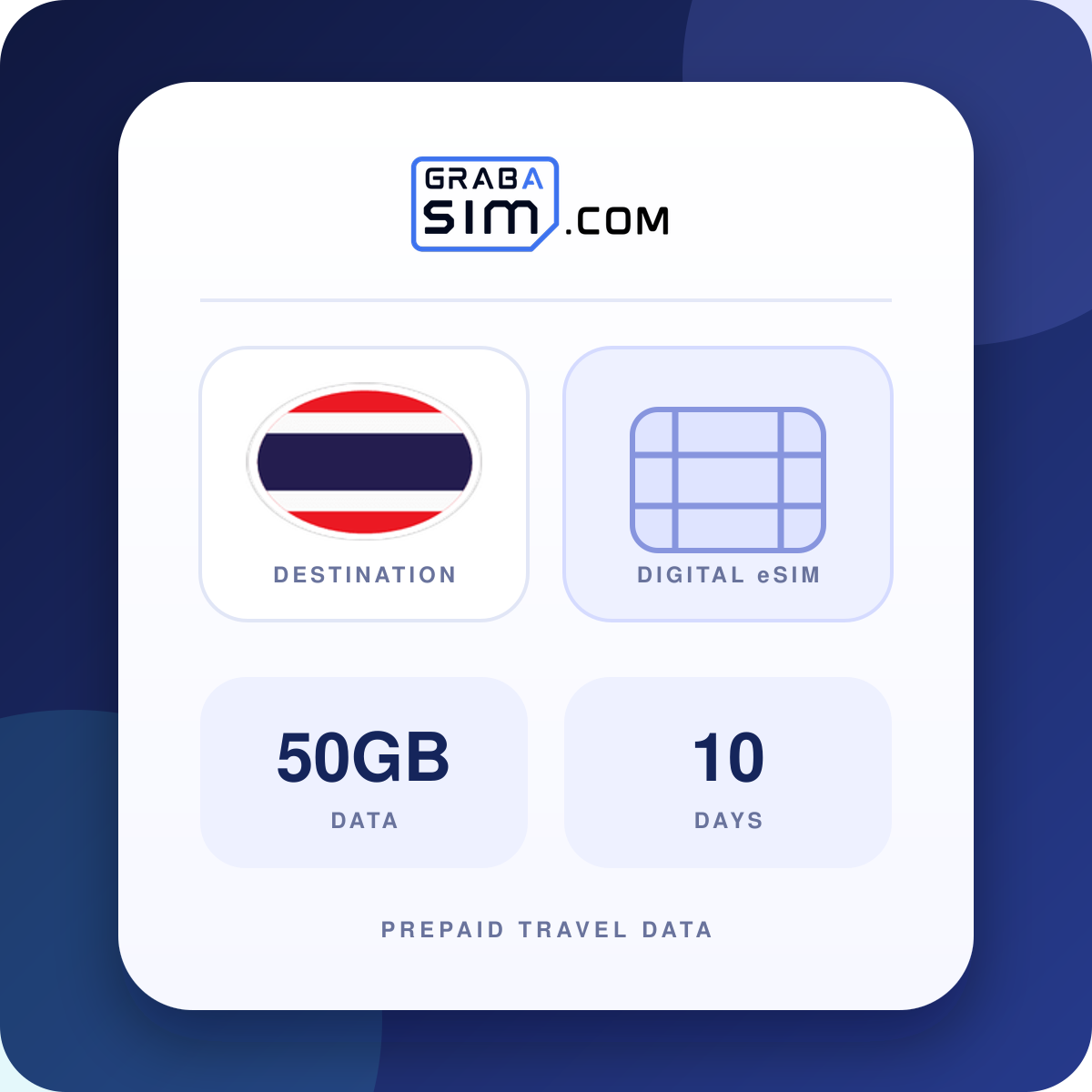
50GB of high-speed data to use over 10 days in Thailand. Your internet traffic exits in Thailand.
Quick decision guide
50GB of prepaid data for 10 days in Thailand, with digital delivery after purchase.
A destination plan for Thailand, subject to local partner-network availability.
50GB to use across 10 days. Your eSIM details and setup steps are delivered digitally after successful payment.
Your device must support eSIM and be carrier-unlocked. It takes a moment to verify.
Check compatibility50GB
10 days
Full specification
Thailand eSIM – 50GB, 10 Days
Sharing 50GB across 10 days gives a planning average of about 5GB per day. This is not a daily limit: you can use the total allowance unevenly before it expires.
Compare this budget with your recent phone usage. Video, work calls, tethering and cloud backups can use substantially more than maps or messaging. Download large files and offline maps over Wi-Fi when practical.
Coverage for this offer: Thailand. Save your accommodation address, arrival route and bookings offline. Check the listed networks for your actual itinerary; coverage is not guaranteed in every building or remote area.
Compare destination plans: Thailand →Country travel guide: Thailand →Save your Suvarnabhumi or Don Mueang transfer details offline.
This plan works in the following country
 ThailandThailand
Compare
Same coverage, different allowances and durations. Prices update to your selected currency.
| Plan | Type | Price | Price per GB |
|---|---|---|---|
| 3GB · 15 days | Fixed data | $8.25 | $2.75 |
| 3GB · 30 days | Fixed data | $8.75 | $2.92 |
| 5GB · 30 days | Fixed data | $12.75 | $2.55 |
| 10GB · 30 days | Fixed data | $22.25 | $2.23 |
| 20GB · 30 days | Fixed data | $38.75 | $1.94 |
| 50GB · 10 daysThis plan | Fixed data | $37.75 | $0.76 |
| 50GB · 30 days | Fixed data | $143.50 | $2.87 |
| 50GB · 180 days | Fixed data | $149.99 | $3.00 |
| 500MB/day · 1 day | Daily pass | $2.75 | Daily pass |
| 1GB/day · 1 day | Daily pass | $3.99 | Daily pass |
GRABA PERKS · TRAVEL PARTNERS
Experiences, airport transfers and useful extras to go with your GrabaSIM connection.
 Experiences
Discover museums, attractions and sightseeing tickets, with city-specific collections to help plan your day.
Explore Tiqets ↗ Transfers
Plan a pre-booked pickup and check meeting instructions before you arrive.
Explore Welcome Pickups ↗ Flights
Explore flight routes and fares. Check baggage, connection protection and change conditions before booking.
Country to country flights ↗ Car hire
Compare car hire for a road trip. Check deposits, insurance excess, mileage and collection requirements.
Explore AutoEurope ↗Affiliate links: GrabaSIM may earn a commission when you book through these links, at no extra cost to you. Bookings are with the partner. Availability, eligibility, prices and terms can change; check the final details before paying.
Already installed but have no internet? Check mobile data, roaming and APN.
Open the full iPhone installation guide
Open the Samsung and Pixel installation guide
Plan with confidence
Continue planning with destination eSIM comparisons, practical guides and current travel-connectivity advice.
It includes 50GB of data to use over 10 days in Thailand. Top-ups are available if you need more.
Validity starts when the eSIM is installed, so install it shortly before you need data. If unused, activate it within 180 days of purchase.
It connects through True Move (4G). Coverage and speed depend on local availability.
No. It is a data-only eSIM without a local phone number. On dual-SIM phones your usual SIM can stay on for calls and texts, and apps such as WhatsApp keep your existing number.
Your phone must support eSIM and be carrier-unlocked. Check your exact model on the GrabaSIM compatibility page before you buy.
You can request a full refund within 14 days of purchase if the eSIM has not been installed or activated.
Explore your options
Compare the allowance, validity and included destinations before choosing. Each price is a one-off plan price.
Same destinations as this plan
Same destinations as this plan
Same destinations as this plan