iPhone 18 Pro eSIM: UK vs US Models Before You Travel
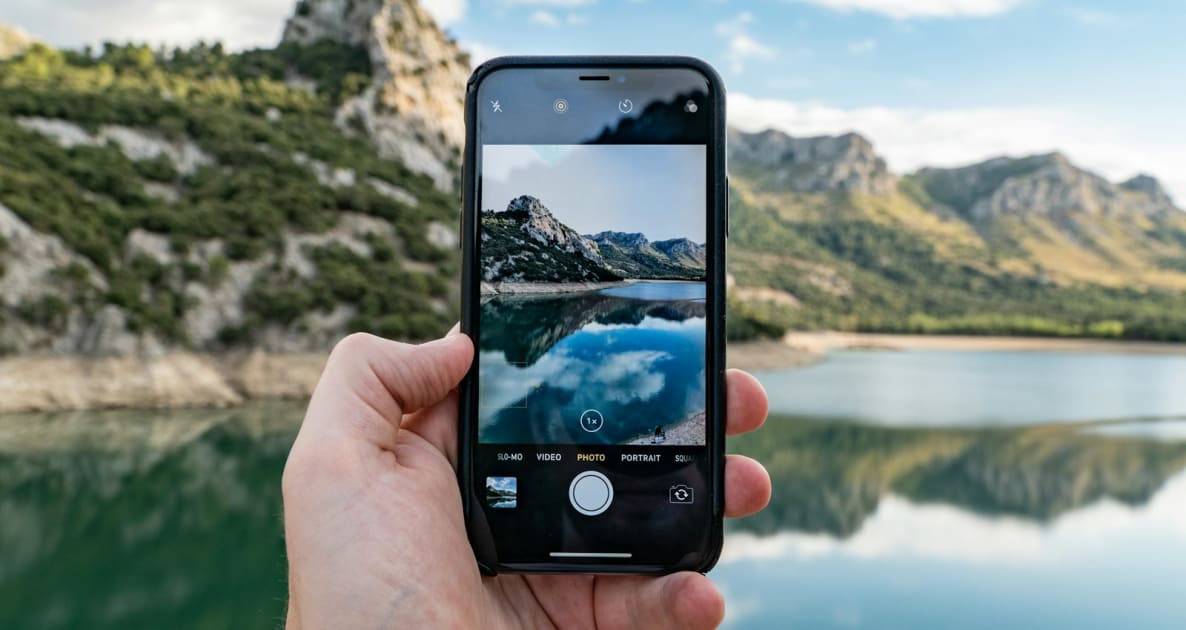
Photo : Josh Power on Unsplash
Share this article
Help others discover this content
Practical travel technology from Graba SIM
The iPhone 18 Pro supports travel eSIM use, but physical-SIM support depends on the regional model. Apple’s UK specifications list nano-SIM plus eSIM and dual eSIM support; other regional versions can be eSIM-only. Identify the exact model and check its carrier lock before assuming a UK, US or imported phone will accept the SIM arrangement you want.
Before you start
- Write down the model number and purchase region.
- Check Carrier Lock and the Add eSIM option.
- Complete any home-number transfer before travelling.
UK versus US is a model question, not a language setting
Changing the phone’s region in Settings does not add a SIM tray or change its hardware. The model number and country of purchase are the relevant details. Apple’s regional technical specifications and model-identification page provide a more reliable answer than a retailer’s generic iPhone 18 Pro description. A traveller buying abroad should ask about the model code, warranty arrangements and carrier restrictions before considering a discount. A phone may support eSIM hardware yet require its selling carrier to unlock it. Resolve that while you still have your existing connection and access to the seller.
Keep an existing number during the change
If your home number lives on a physical SIM and the new phone has no tray, ask the home network about converting it to eSIM. That is separate from purchasing Graba SIM travel data. Do the number transfer at home, test calls and verification texts, and leave time to resolve account-access problems. A new travel plan does not move the home number and should not be treated as a replacement for it. Keep the two tasks separate in your notes: home number migration first, destination data second. This also makes it easier for either provider’s support team to understand which line needs attention.
Check the setup after a restore or phone transfer
A phone migration can copy apps and preferences without leaving every SIM choice as you expect. Open Mobile Service or Cellular and inspect the active profiles, default voice line and Mobile Data selection. Give travel profiles a destination label and disable automatic data switching if you do not want the home tariff used as a fallback. Before departure, test your home number. After arrival, test the destination line separately with Wi-Fi off. If the selected travel plan starts when it first connects in its covered area, installing it at home and using it abroad are different milestones. Read the specific validity rule rather than assuming a universal activation clock.
| Check | Where to look | Why it matters |
|---|---|---|
| Regional SIM hardware | Apple regional specifications | A region setting cannot add a tray |
| Carrier restrictions | General, About, Carrier Lock | An eSIM-capable phone may still be locked |
| Home-number migration | Your current network | A data plan does not transfer your number |
| Travel coverage | The selected plan details | Regional hardware is not worldwide service |
Worth checking
Do not infer mainland China, Hong Kong or Macao SIM support from a UK or US specification. Apple documents regional exceptions; verify the exact model you own.
A planning example
Suppose you buy a US-market phone before a European holiday but currently use a UK physical SIM. The useful preparation is not simply ordering a Europe plan. First establish that the new phone is unlocked, then arrange the home-number conversion and test it. Only then install the separate travel profile and choose its data settings. This sequence avoids discovering a missing tray and a banking-code problem at the same airport counter.
Your practical checklist
- Write down the model number and purchase region.
- Check Carrier Lock and the Add eSIM option.
- Complete any home-number transfer before travelling.
- Save your travel order and label the new line.
Put the plan into practice
The compatibility checker is a useful first stop, while all plans lets you compare the actual travel product after you have identified your regional model. Keep the purchased installation instructions in the Graba SIM app.
Vérifier votre téléphone
Compare the current details for the device, destination and journey you actually have.
Sources and review date
- Apple: iPhone 18 Pro UK specifications
- Apple: iPhone 18 Pro specifications
- Apple: set up eSIM on iPhone
Sources reviewed 31 October 2026. Check current plan details and travel requirements before departure.
eSIM de voyage
Prêt à vous connecter ?
Comparez la couverture, le volume de données et la validité pour votre voyage, puis installez votre eSIM avant de partir.
- Plus de 200 destinations
- Sans engagement
- Gardez votre numéro
Votre téléphone est-il compatible eSIM ? Vérifier la compatibilité
Vous voyagez en famille ? Jusqu’à 25 % de remise avec les eSIM famille
GRABA PERKS · TRAVEL PARTNERS
Travel perks for your trip
Explore experiences, transfers, flights and car hire alongside your eSIM. Compare options and check availability for your own dates and destination. Comparer les vols →
 Experiences
KKday
Explore activities, local experiences and transport options for your next destination.
Explore KKday ↗ Transfers
Kiwitaxi
Arrange an airport pickup in advance. Review vehicle capacity, pickup instructions and cancellation terms.
 Flights
Kiwi.com
Explore flight routes and fares. Check baggage, connection protection and change conditions before booking.
Country to country flights ↗ Car hire
QEEQ
Compare rental cars for your dates and review the supplier’s pickup and cancellation conditions.
Explore QEEQ ↗Affiliate links: Graba SIM may earn a commission when you book through these links, at no extra cost to you. Bookings are with the partner. Availability, eligibility, prices and terms can change; check the final details before paying.