Galaxy S26 Ultra Travel eSIM: Camera Backups and Data
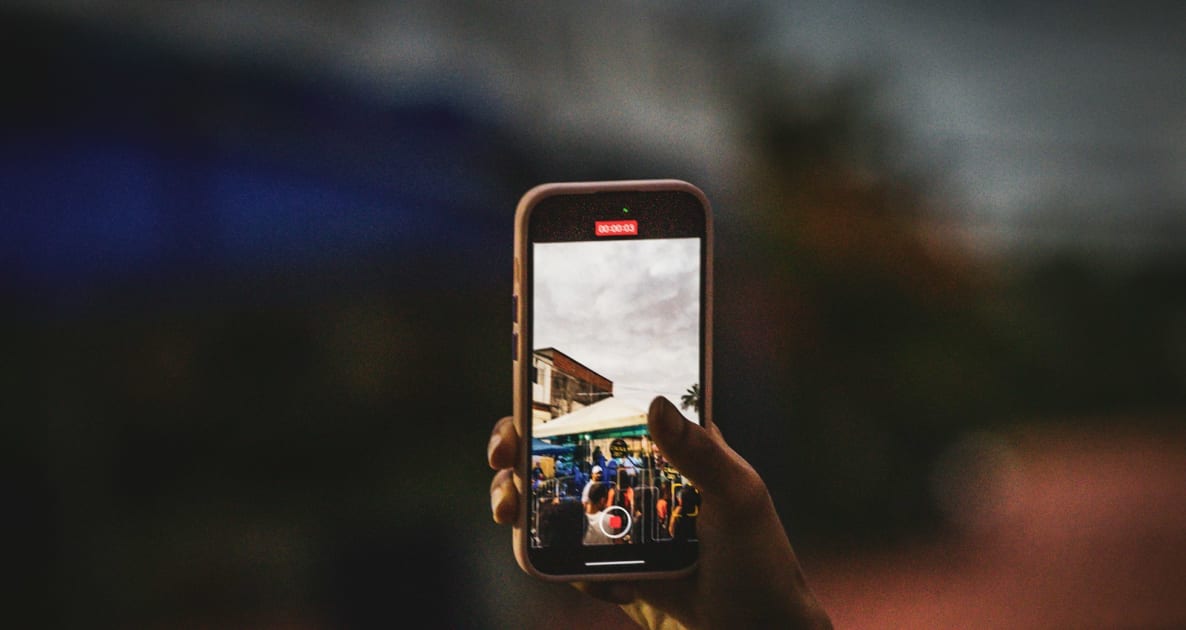
사진: Luciano Oliveira on Unsplash
Share this article
Help others discover this content
Practical travel technology from Graba SIM
The Galaxy S26 Ultra can be a strong travel camera and data device, but photography changes the allowance you need. Check regional eSIM support, install the correct travel profile and decide which photos or videos should upload on mobile data. A high-resolution camera does not make cloud backups free or guarantee that your home line is safely excluded.
Before you start
- Verify your regional S26 Ultra model and carrier lock.
- Label the destination profile.
- Inspect every app that uploads media.
Connect the right line before reviewing the camera
Start in Connections and SIM manager, following Samsung’s general eSIM instructions and your plan’s installation details. Confirm the exact regional model is supported and the handset is unlocked. Label the purchased profile for its destination so you can distinguish it from the home line quickly. After arrival, choose the travel line for mobile data and follow its roaming rule. Turn off automatic switching when you do not want the phone to fall back to the home tariff. A home line kept for calls or texts remains subject to its own charges.
Treat capture quality and upload quality as separate choices
You can take high-quality photographs without immediately uploading every original on the mobile connection. Review your cloud photo app, gallery sync, messaging compression and video-backup settings. Saving originals for Wi-Fi can make a much smaller travel allowance practical without changing how you photograph the trip. Check all the accounts that can sync, not just the gallery. Work folders, messaging backups and editing applications may also upload media. When you are about to share a long clip, look at its file size and whether you are on Wi-Fi. The resulting data transfer is easier to budget when you know what is being sent.
Use the first day as a practical allowance check
Reset or note the phone’s mobile-data counter at the start of the trip and compare your first day’s activities with the available usage reading. Readings can have different cut-off times, so use them to spot a pattern rather than expecting an exact second-by-second match. A day spent taking pictures can use little mobile data if nothing uploads. A shorter day with video calls or hotspot transfers can use much more. Adjust your remaining plans around those activities, and check any top-up options on the selected product before depending on them.
| Habit | What consumes data | Useful control |
|---|---|---|
| Take a photograph | Capture itself is local | Review backup rather than camera quality |
| Cloud-sync originals | Uploading the files | Wi-Fi-only backup where appropriate |
| Send a video | The shared file or stream | Check size and quality |
| Tether a laptop | All connected-device traffic | Pause large updates and sync |
Worth checking
Do not promise a fixed number of photographs per gigabyte. Compression, resolution, editing, backups and application behaviour make the real transfer size variable.
A planning example
Two people take the same number of photographs on a city break. One backs them up overnight on hotel Wi-Fi; the other uploads originals and video throughout the day. Their eSIM usage can be very different even though the sightseeing is identical. The useful comparison is not photos taken but data transferred.
Your practical checklist
- Verify your regional S26 Ultra model and carrier lock.
- Label the destination profile.
- Inspect every app that uploads media.
- Keep an offline copy of arrival details.
Put the plan into practice
Use the data estimator in the plan finder with uploads and video included. The Graba SIM app can show your latest available usage reading; check its timestamp before making a close-limit decision.
휴대폰 확인
Compare the current details for the device, destination and journey you actually have.
Sources and review date
Sources reviewed 31 October 2026. Check current plan details and travel requirements before departure.
여행용 eSIM
연결할 준비가 되셨나요?
여행에 맞는 커버리지, 데이터 용량, 유효 기간을 비교하고 출발 전에 eSIM을 설치하세요.
- 200개 이상의 여행지
- 약정 없음
- 번호 유지
GRABA PERKS · TRAVEL PARTNERS
Travel perks for your trip
Explore experiences, transfers, flights and car hire alongside your eSIM. Compare options and check availability for your own dates and destination. 항공편 비교 →
 Experiences
Tiqets
Discover museums, attractions and sightseeing tickets, with city-specific collections to help plan your day.
Explore Tiqets ↗ Transfers
Welcome Pickups
Plan a pre-booked pickup and check meeting instructions before you arrive.
Explore Welcome Pickups ↗ Flights
Kiwi.com
Explore flight routes and fares. Check baggage, connection protection and change conditions before booking.
Country to country flights ↗ Car hire
GetRentacar.com
Explore rental vehicles and compare pickup arrangements, deposits and included mileage.
Explore GetRentacar.com ↗Affiliate links: Graba SIM may earn a commission when you book through these links, at no extra cost to you. Bookings are with the partner. Availability, eligibility, prices and terms can change; check the final details before paying.