Why did iMessage drop my number and use my Apple ID email?
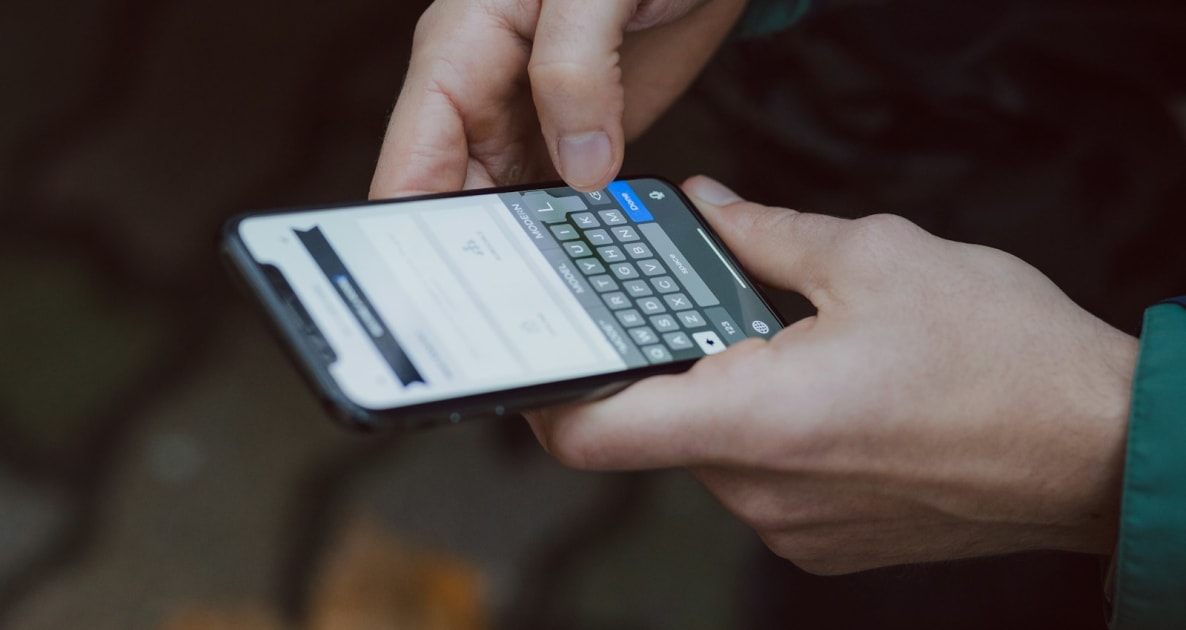
Foto: freestocks on Unsplash
Share this article
Help others discover this content
Your number left the iMessage list
iMessage ties your phone number to the line that can prove it still owns that number.
If iMessage seems to drop my number, it usually means Apple can no longer see the home line that registered the number. You fly with a travel eSIM for data. You leave the home SIM on for texts, or you switch it off to avoid roaming. Then Messages starts showing your Apple ID email as the address you send from. That is not random. The number leaves Send and Receive when its line is off, out of signal for a while, or cannot pass Apple’s check with the network.
The short answer
iMessage can drop my number when the SIM that owns it is off, or cannot reach the network for a while. Timing varies by network and phone. Open Settings, then Messages, then Send and Receive, and see what is ticked today.
Why This Matters
Blue bubbles to non-Apple phones still need texts on the home line. Green bubbles are texts and can roam. A Graba SIM travel eSIM is usually data-only, so it cannot take over the number that iMessage was using.
What Send and Receive is showing
On iPhone, open Settings, then Messages, then Send and Receive. You will see phone numbers and Apple ID emails with ticks. The number for your home SIM should show when that line is on and registered. When it vanishes, iMessage falls back to the Apple ID email you use for iCloud. People who text your number may still reach you by text on the home line, if it is on. People who only use iMessage to your number may see delivery change until you fix Send and Receive. Android does not use iMessage. If you also use WhatsApp on the phone, WhatsApp is a separate account tied to the number you verified. This page is about Apple’s service, not WhatsApp.
Why the home line matters more than the travel eSIM
iMessage registers your mobile number with Apple through the network that issued it. A Graba SIM travel plan is usually data-only. It does not give you a new mobile number to move iMessage onto. Installing a travel eSIM does not remove your number from iMessage. Turning the main line off, taking that SIM out, or leaving it searching with no service can. Dual-SIM phones can keep a second line for mobile data while the home line is off. Many travellers do this to cut roaming. The trade is that iMessage may drop the number the same day, or after a longer quiet spell. Apple and the network decide, so there is no hour you can rely on. Check Send and Receive after any change to which line is on.
Steps that reduce surprises
- Before you change lines Take a screenshot of Send and Receive while the number still shows. Note which address you use for new chats.
- If you must turn the home line off Expect email-only iMessage until the home SIM is back on with signal. Tell close contacts to use your email thread or another app.
- After landing with both lines on Wait until the home line shows a network name. Then open Send and Receive and tick the number again if it is offered.
- Keep data on the travel eSIM On iPhone use Mobile Service or Cellular, and pick the travel plan for Mobile Data. Leave data roaming on for that line only. iMessage can use Wi-Fi or the data line. The number still belongs to the home SIM.
Green texts and accidental roaming
A travel eSIM is not a new iMessage number
Do not expect a data-only travel profile to replace your mobile number in Send and Receive. If a seller promises a local number, read what the plan really includes. Most Graba SIM travel plans are data-only.
If iMessage cannot send over data, an iPhone may fall back to a text when Send as SMS is on. Those green bubbles use the line that can send texts, often the home SIM. Your home network may bill them as roaming texts. Turning Send as SMS off stops that automatic fallback. It does not stop you sending a text on purpose. Our page on green bubbles covers this if it is the first thing you notice.
Illustrative example: The email address replies
Marta lands, sets the travel eSIM for mobile data, and turns the home line off overnight to avoid roaming fees. In the morning her partner’s chat shows her Apple ID email, not her mobile number. Send and Receive shows only the email ticked. She turns the home line on by the hotel window and waits for one bar. The number comes back within minutes. Next trip she leaves the line on for iMessage hours, and turns it off only when she accepts email-only chat.
The number needs its own line
Final Thoughts
Before you turn the home line off, open Send and Receive and decide whether email-only iMessage is fine for the trip.
Read next: how to set up an eSIM before travel, roaming switches on each line.
Set your lines before iMessage drifts
Install the travel plan, name each line, and pick mobile data on the travel eSIM while you still have home Wi-Fi.
Reise-eSIM
Bereit für mobiles Internet?
Vergleichen Sie Abdeckung, Datenvolumen und Gültigkeit für Ihre Reise und installieren Sie Ihre eSIM vor dem Abflug.
- Über 200 Reiseziele
- Kein Vertrag
- Behalten Sie Ihre Nummer
Unsicher, ob Ihr Handy eSIM unterstützt? Kompatibilität prüfen
Reisen Sie als Familie? Bis zu 25 % sparen mit Familien-eSIMs
GRABA PERKS · TRAVEL PARTNERS
Travel perks for your trip
Explore experiences, transfers, flights and car hire alongside your eSIM. Compare options and check availability for your own dates and destination. Flüge vergleichen →
 Experiences
Tiqets
Discover museums, attractions and sightseeing tickets, with city-specific collections to help plan your day.
Explore Tiqets ↗ Transfers
Welcome Pickups
Plan a pre-booked pickup and check meeting instructions before you arrive.
Explore Welcome Pickups ↗ Flights
Kiwi.com
Explore flight routes and fares. Check baggage, connection protection and change conditions before booking.
Country to country flights ↗ Car hire
GetRentacar.com
Explore rental vehicles and compare pickup arrangements, deposits and included mileage.
Explore GetRentacar.com ↗Affiliate links: Graba SIM may earn a commission when you book through these links, at no extra cost to you. Bookings are with the partner. Availability, eligibility, prices and terms can change; check the final details before paying.